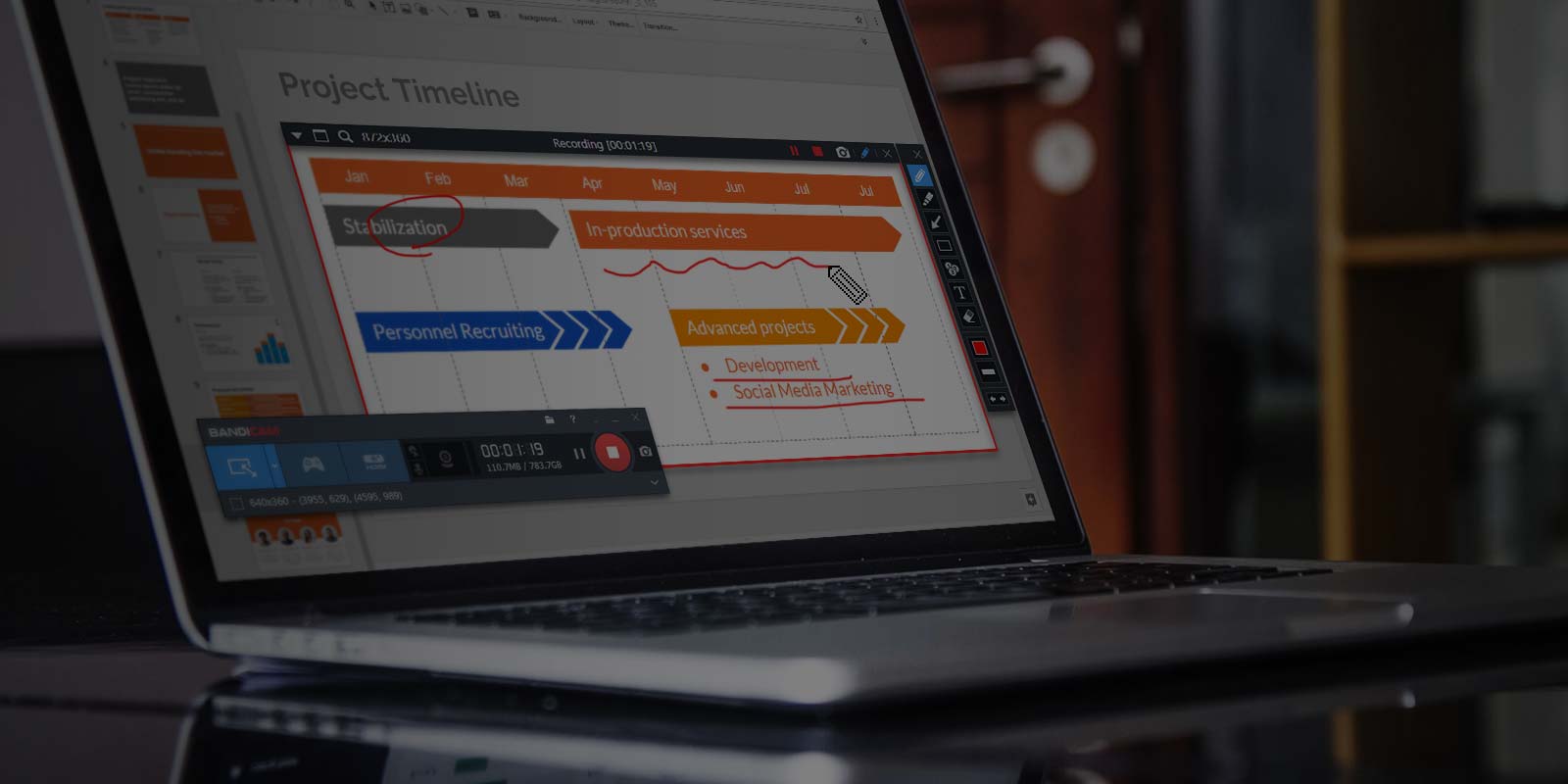
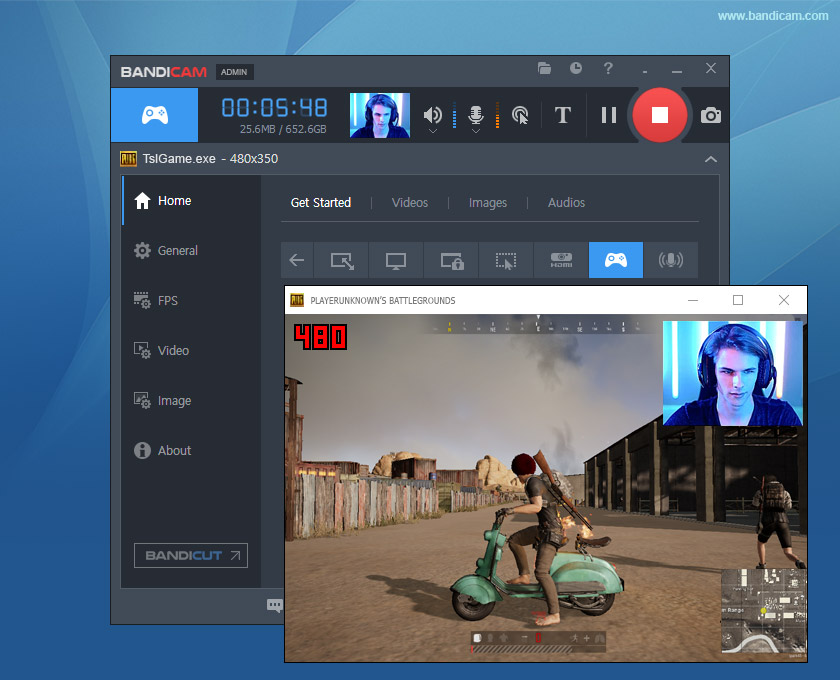
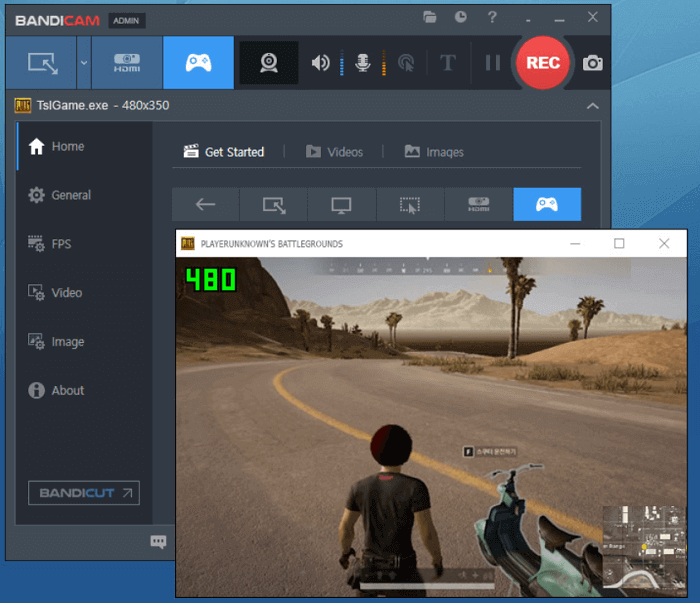
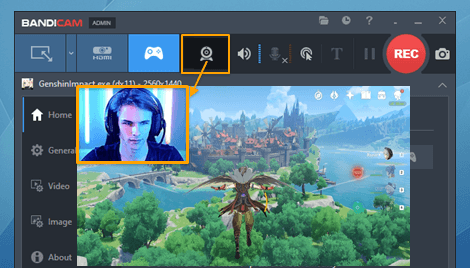
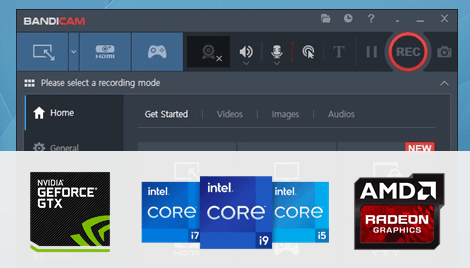
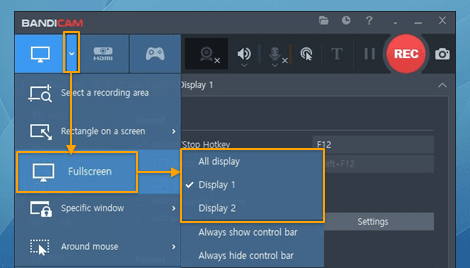
Bandicam is a screen and game recorder for Windows that captures your desktop, gameplay, and external video devices in high quality. It offers three recording modes: Screen Recorder (full screen, window, or custom area), Game Recorder (DirectX, OpenGL, and Vulkan games—up to 480 FPS and 4K UHD with minimal FPS loss), and Device Recorder (webcam, HDMI capture, IPTV, consoles). Output is saved as MP4 or AVI; you start and stop recording with the default hotkey F12.
The software compresses video while recording, so file sizes are typically 20–95% smaller than with many other screen capture tools at similar quality. That saves disk space and speeds up uploads to YouTube, Google Drive, or Vimeo. Bandicam is used by over 10 million users for gameplay recording, tutorials, online lectures, and software demos. You can download Bandicam for free and use all recording modes with no time limit and no watermark.
If you need step-by-step help, see our how-to guides for recording gameplay, recording your screen, fixing lag or black screen, and uploading to YouTube.